How to Guide Your AI Writing Assistant With Smart Prompts
Key takeaways
What is Copilot?
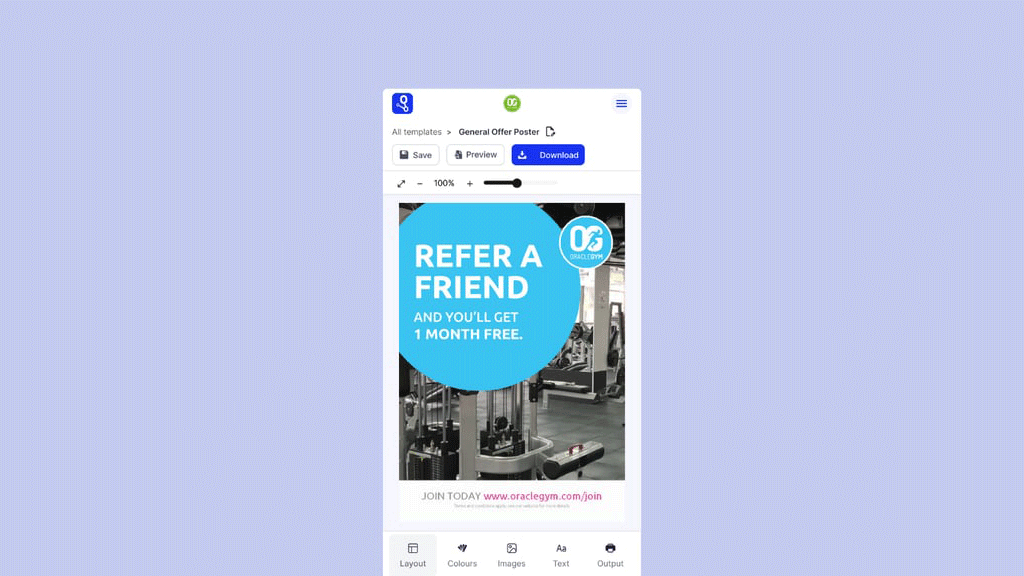
Copilot is RightMarket’s new in-design writing assistant. It gives users real-time support as they create content – helping them write clearly, stay on-brand and communicate with confidence, without needing a comms expert looking over their shoulder.
Whether it’s a fundraising appeal, student announcement or internal update, Copilot is there in the background, nudging users to write better.
How does it work?
As users type into a RightMarket template, Copilot scans their copy and suggests improvements. These could include correcting spelling, recommending more inclusive language, or simplifying overly formal phrases.
What makes Copilot powerful is its adaptability. You can define how Copilot behaves by creating tone of voice prompts – a short list of instructions that teach the AI how your organisation writes.
What are prompts?
Prompts are short, specific rules that tell Copilot what “good writing” looks like in your organisation.
Think of them as your voice, distilled. They’re not long brand manuals – they’re quick instructions that reinforce tone, clarity and consistency across all users.
For example:
Once saved in the Admin area, these prompts guide Copilot’s live suggestions for every user in your organisation.
Best practices for writing strong prompts
To get useful, accurate suggestions from Copilot, your prompts need to be:
1. Specific and actionable
2. One idea per prompt
3. Based on common user habits
4. Clear enough to avoid overcorrection
5. Do not include links
Suggested prompt examples
Here are some common prompts that deliver strong, clear Copilot feedback: